 MeetInk
Ask AI
Every answer, with the moment it came from.
Ask one meeting, a folder, or everything you’ve recorded. MeetInk answers from what was actually said, and shows you where, so you can check it in a click.
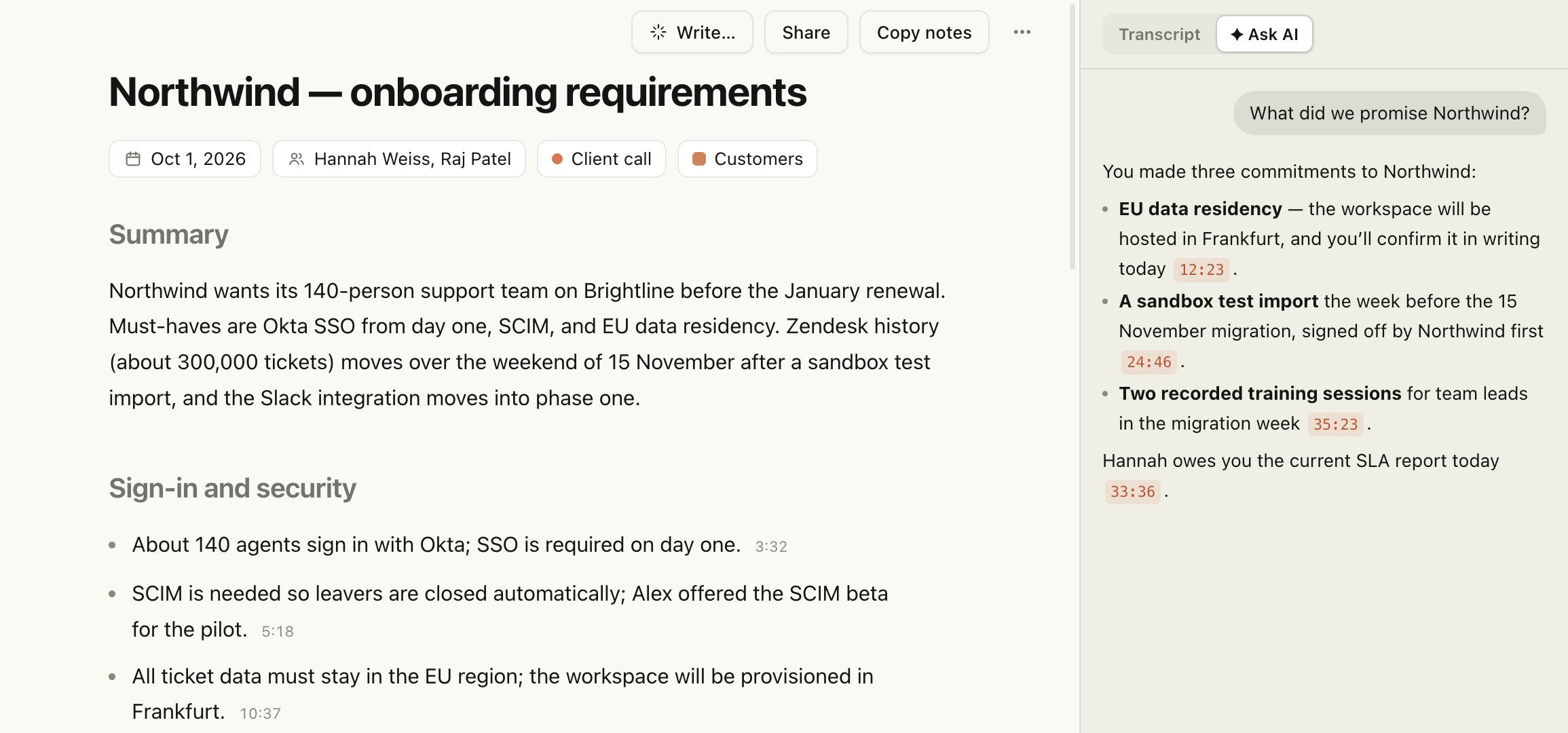
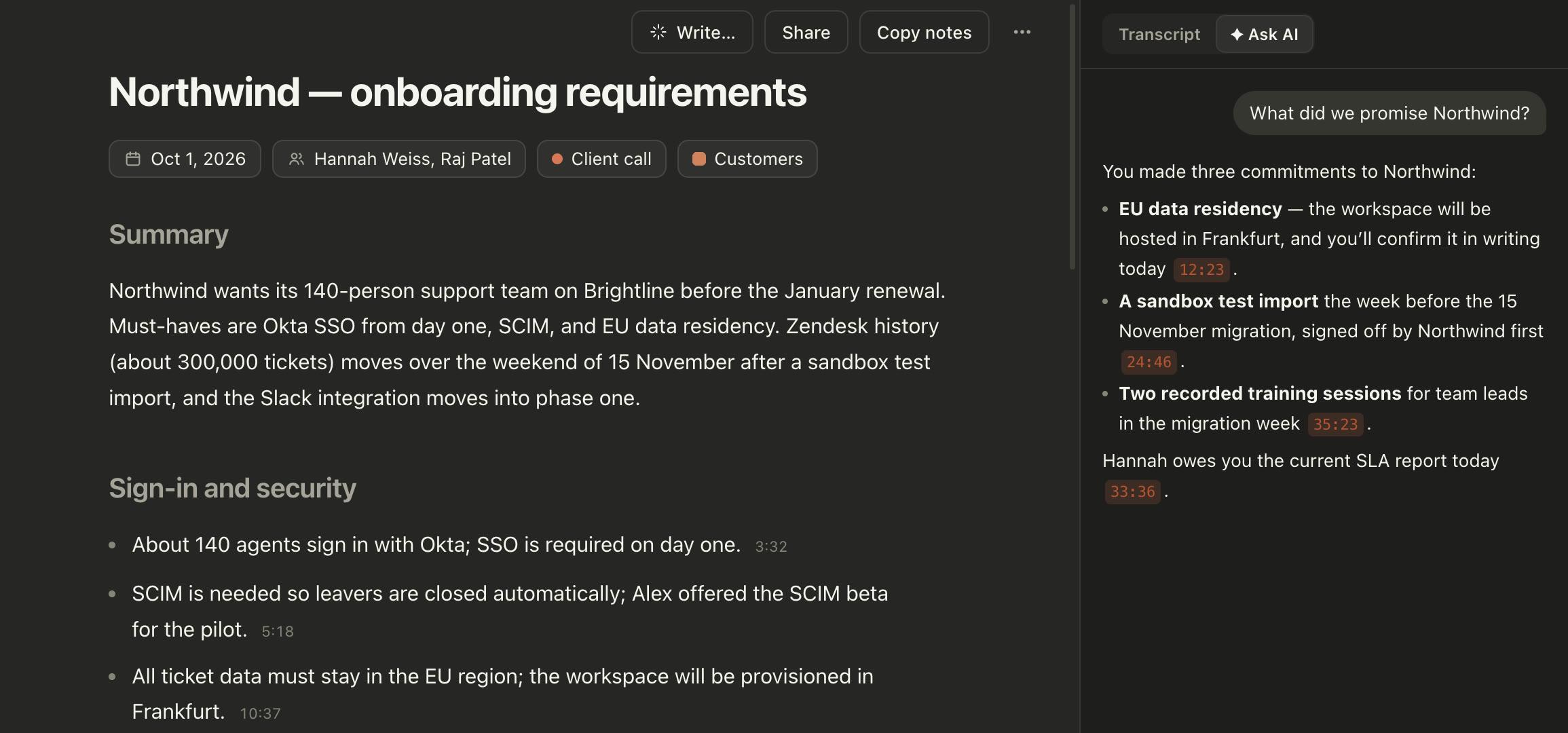
One meeting: each time is a button that plays that moment.
Across meetings
Ask a folder, or all of them.
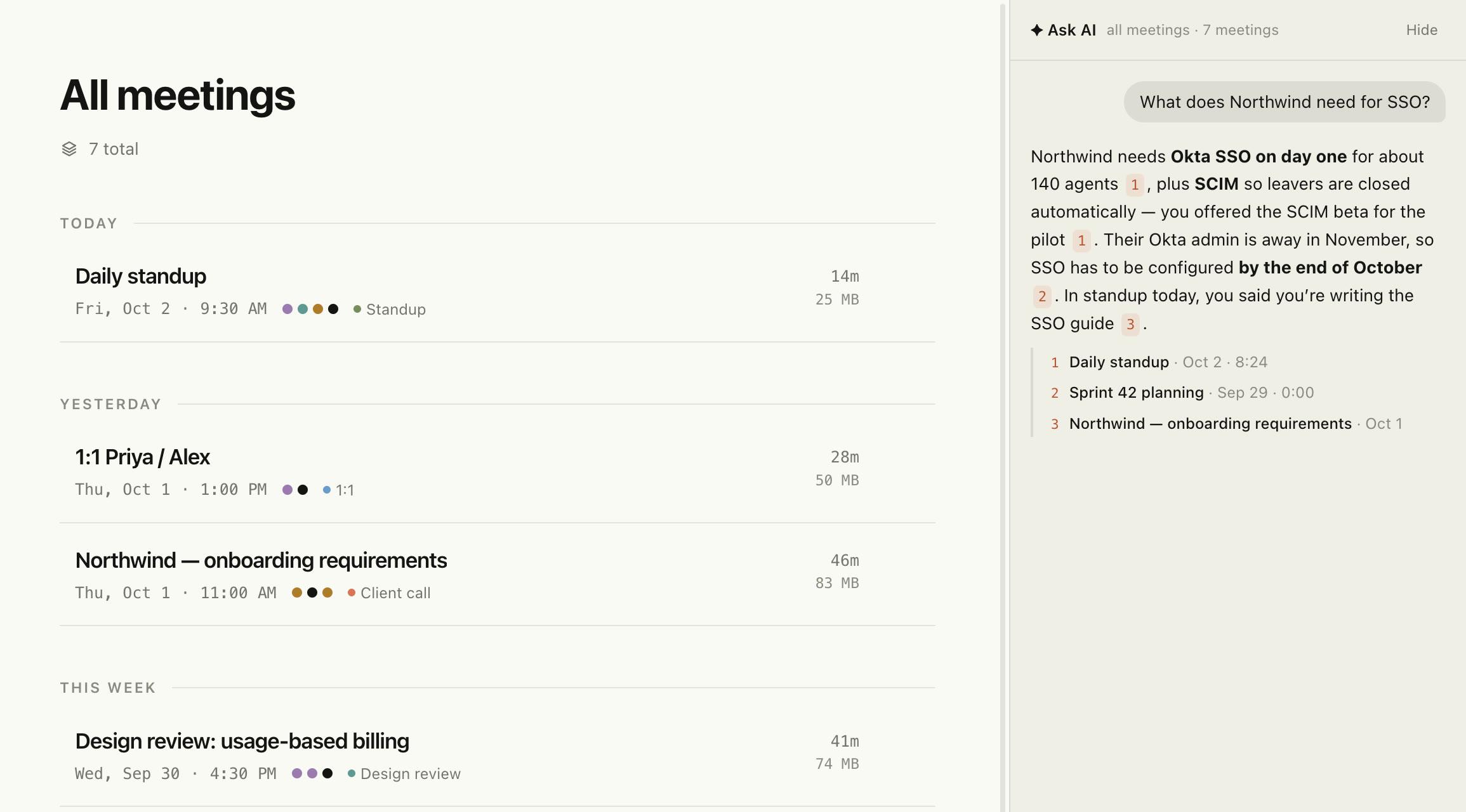
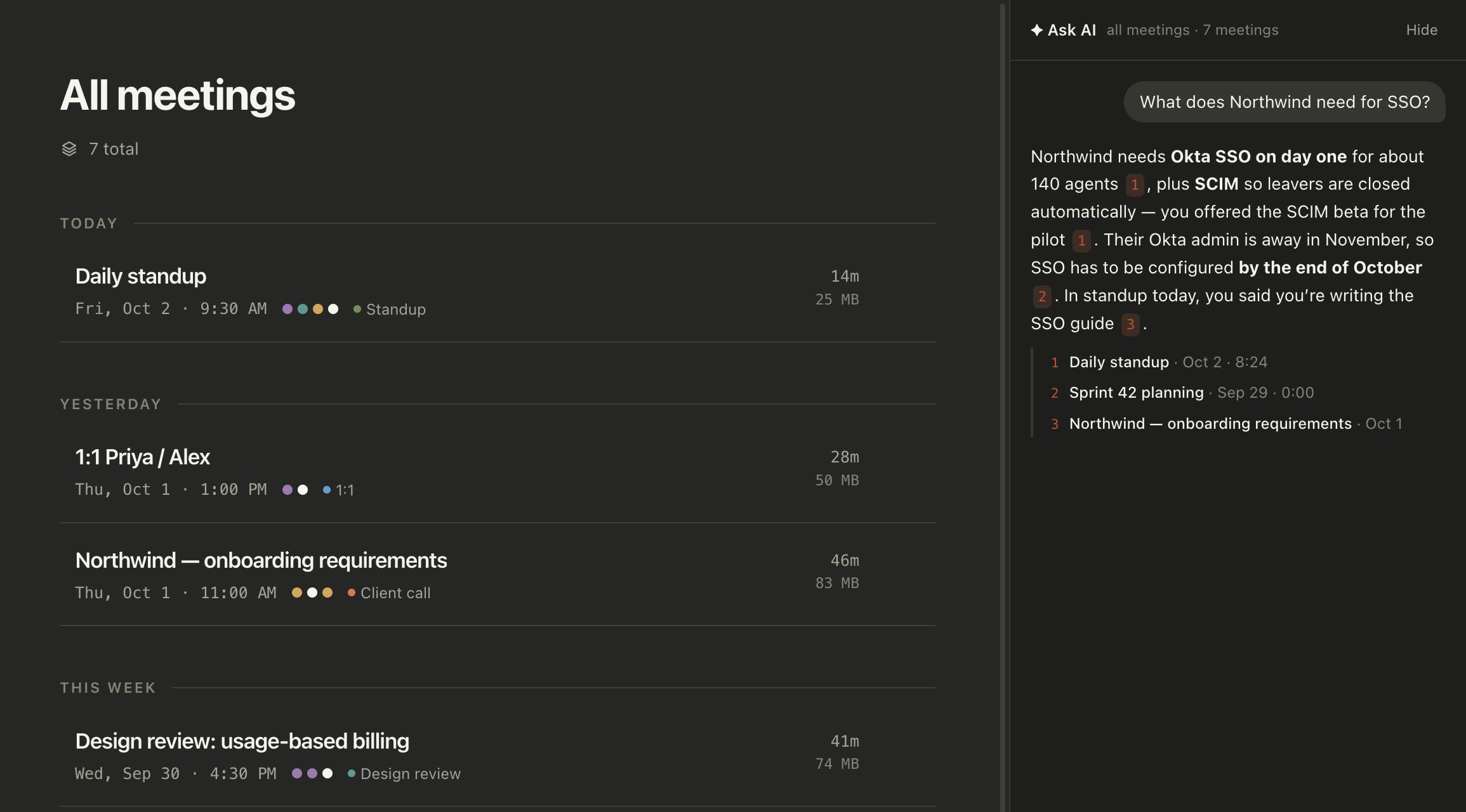
Open All meetings or any folder and ask. The answer pulls from every relevant call, numbers its sources, and links each one to the meeting it came from.
- Per-client and per-team folders make focused questions easy
- The conversation is kept, so you can ask follow-ups
- Each new meeting is indexed in the background after it ends
Try asking
Questions people actually ask.
Developers
- “What did we decide about the billing design, and why?”
- “What’s blocking the importer this week?”
- “Summarise every incident review from last month.”
Sales
- “What did Acme push back on, and how did I answer?”
- “Who signs off on the budget at Acme?”
- “Which deals have no next step?”
Client work
- “What did we promise Northwind, and by when?”
- “Did the scope change since the kickoff?”
- “What does the client still owe us?”
How it works
Search on your Mac. Answers from your sources.
- 1
Indexed on your Mac
Each finished meeting is split into short passages: about 45 seconds of transcript with speakers, the summary, and your own notes. A small embedding model bundled with MeetInk turns them into vectors on your Mac. No download, no server.
- 2
Narrowed by what you ask
“Last week”, “in September”, “with Priya”: dates and names in your question narrow the search to those meetings first.
- 3
Found by meaning and words
Passages are ranked by meaning (so “sign-in” finds “SSO”) and by exact words (so names and numbers still hit), then combined.
- 4
Answered with sources
The notes engine you chose writes the answer from the best passages only, and cites them. In one meeting, every claim links to the moment; across meetings, to the meeting.
What leaves your Mac
The index and the search never do. To write an answer, only the question and the handful of passages it found go to the notes engine you chose (Gemini, Claude or OpenAI with your own key), or nothing at all with a local model through Ollama. Answers are saved on your Mac. Privacy policy.
Ask your next meeting anything.
No account, no credit card. 14 days of everything, then free for 5 meetings a month.
macOS 15 or later · Apple silicon recommended