 MeetInk
For developers
Standups, sprint planning and design reviews, written up for you.
Stay in the discussion instead of taking minutes. Get blockers by person, decisions with their reasons, and action items that become Linear issues in a click. Then ask about any of it from Claude Code or Cursor.
Example notes
Standup · Tuesday
- Priya: done: payment retries · doing: webhook tests · blocked: staging keys (owner: Sam)
- Rahul: done: search index · doing: pagination
- Decision: ship retries behind a flag on Thursday · 4:12
- ☐ Sam: rotate staging keys today · 2:05
Notes shaped for engineering
- Standups: done, doing and blockers for each person
- Design reviews as decision records: context, options, decision, consequences
- Postmortems: timeline, impact, root cause and owned follow-ups
- Sprint planning: tickets with estimates, owners and scope changes
Straight into your tools
- Action items become prefilled Linear issues in one click
- Ask Claude Code or Cursor “what did we decide about the auth migration?”
- Save every meeting as Markdown into your Obsidian vault or repo docs
- Post a folder’s meetings (say, Standups) to #eng in Slack automatically
Private by default
- Transcribed on your Mac; audio never leaves it
- Write notes with a local model through Ollama, fully offline
- Custom vocabulary so service names and acronyms are spelled right
- No bot in your call and no account. Only anonymous usage counts, with one switch to turn them off
In the app
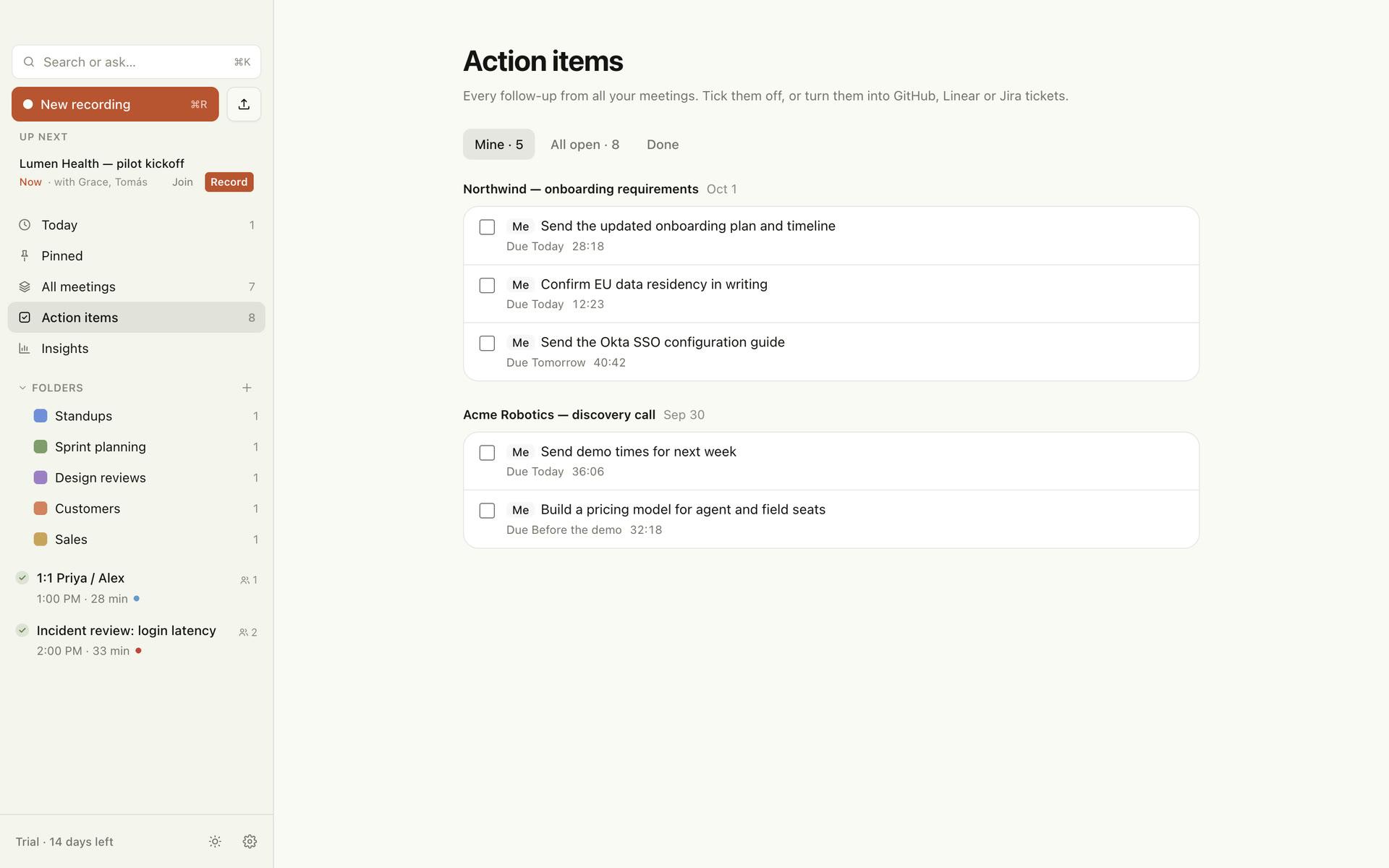
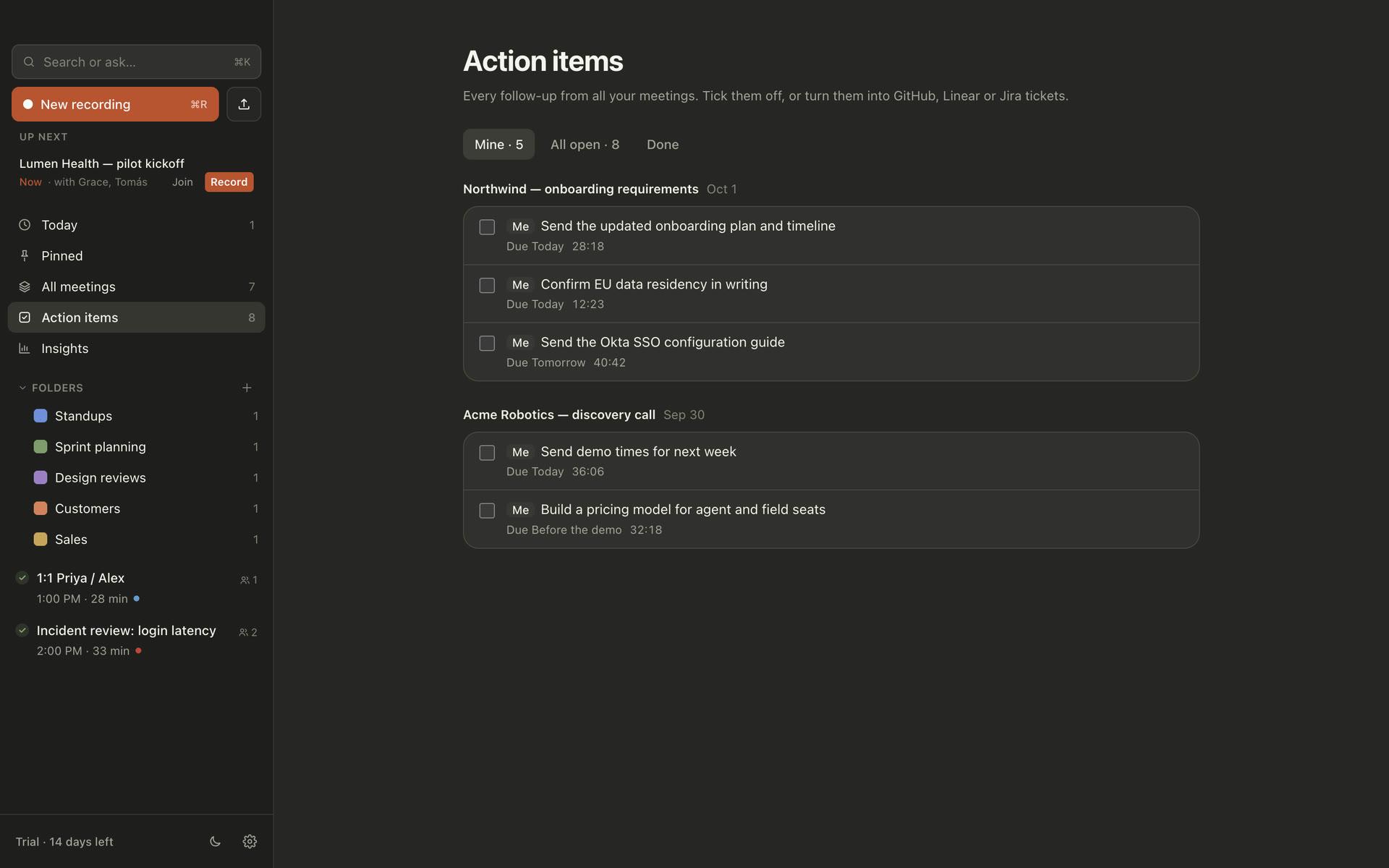
Every action item from every meeting, in one list.
Owners and due dates from the call, a link back to the moment, and one click to open any item as a prefilled Linear issue.
Questions
Can I use it for standups that happen every day?+
Yes. Put them in a “Standups” folder: meetings there are written up as standups automatically, and you can post them to a Slack channel.
Does it work with Claude Code and Cursor?+
Yes. Settings → Integrations → AI apps connects either one in a click. They read your notes locally and read-only.
Will it spell our internal names right?+
Add product names, services and acronyms under custom vocabulary and they are recognised in transcripts.
Try it on your next meeting.
No account, no credit card. 14 days of everything, then free for 5 meetings a month.
macOS 15 or later · Apple silicon recommended