 MeetInk
For client teams
Client calls where every commitment is written down.
For IT services, agencies and consultants: requirements, scope changes and who promised what by when, captured from the call, and kept in the client’s folder.
Example notes
Status call · Northwind
- Scope change: SSO moved into phase 1 (+3 days estimate) · 9:40
- Client commits: test accounts by Wednesday: Dana · 14:02
- We commit: revised timeline by Friday: you · 15:30
- Risk: data migration depends on their vendor export
Nothing slips through
- Requirements and scope changes captured as they happen
- Commitments from both sides: who, what, by when
- Risks and open questions for the client
- A client-ready recap you can send the same day
Every client in one place
- A folder per client or project; client calls get notes in the client-call shape
- A “Last time” brief before the next call with the same client
- Ask the client’s folder “what did we promise about the API?” and get answers that cite the calls
- Every open action item across calls in one list
Safe for client work
- Audio and transcripts stay on your Mac, useful under NDAs
- Choose a local model, so your meetings never leave the Mac
- Share only what you choose: to Slack, a Drive folder or a webhook
- A one-time license per person, no per-seat subscription
In the app
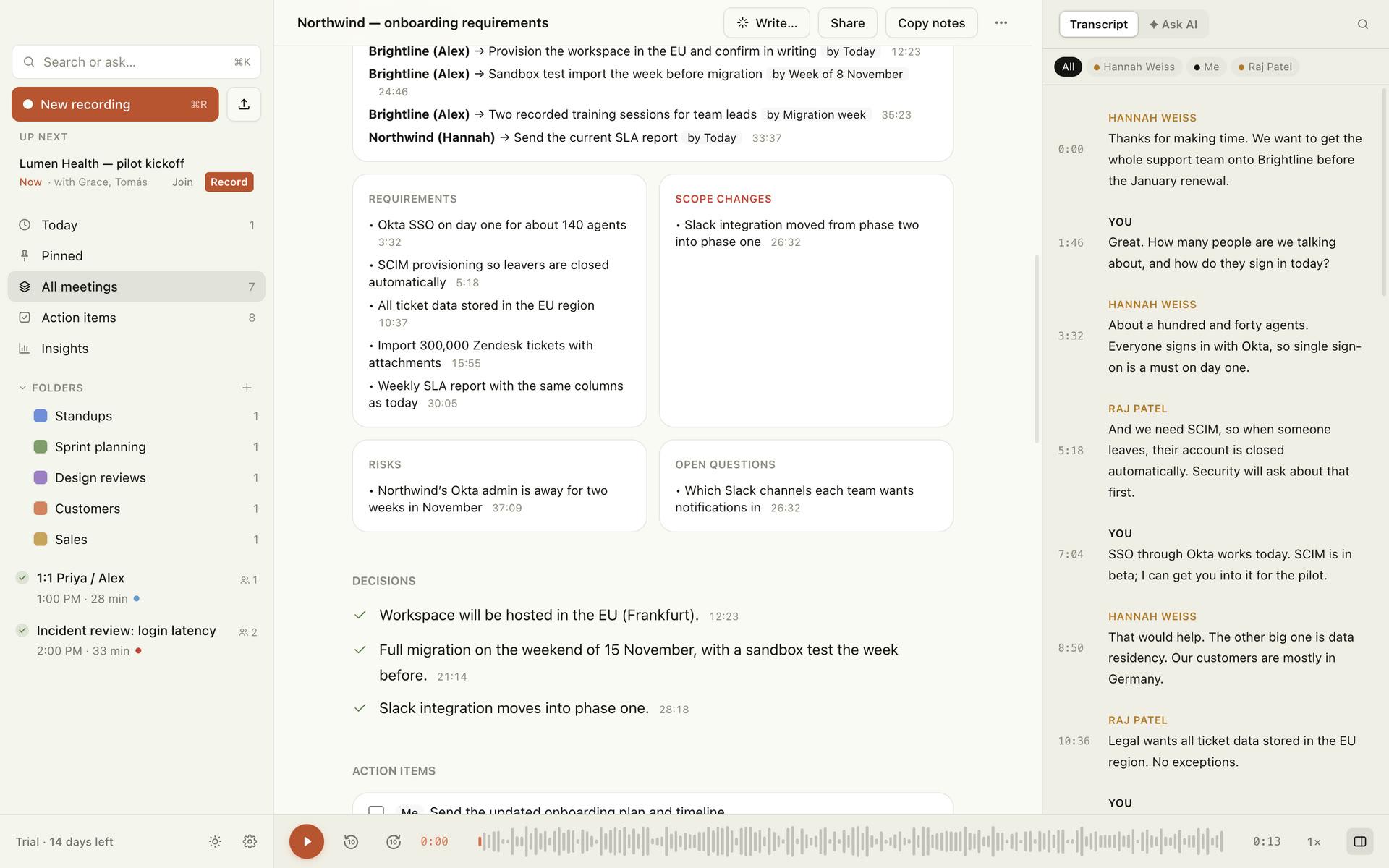
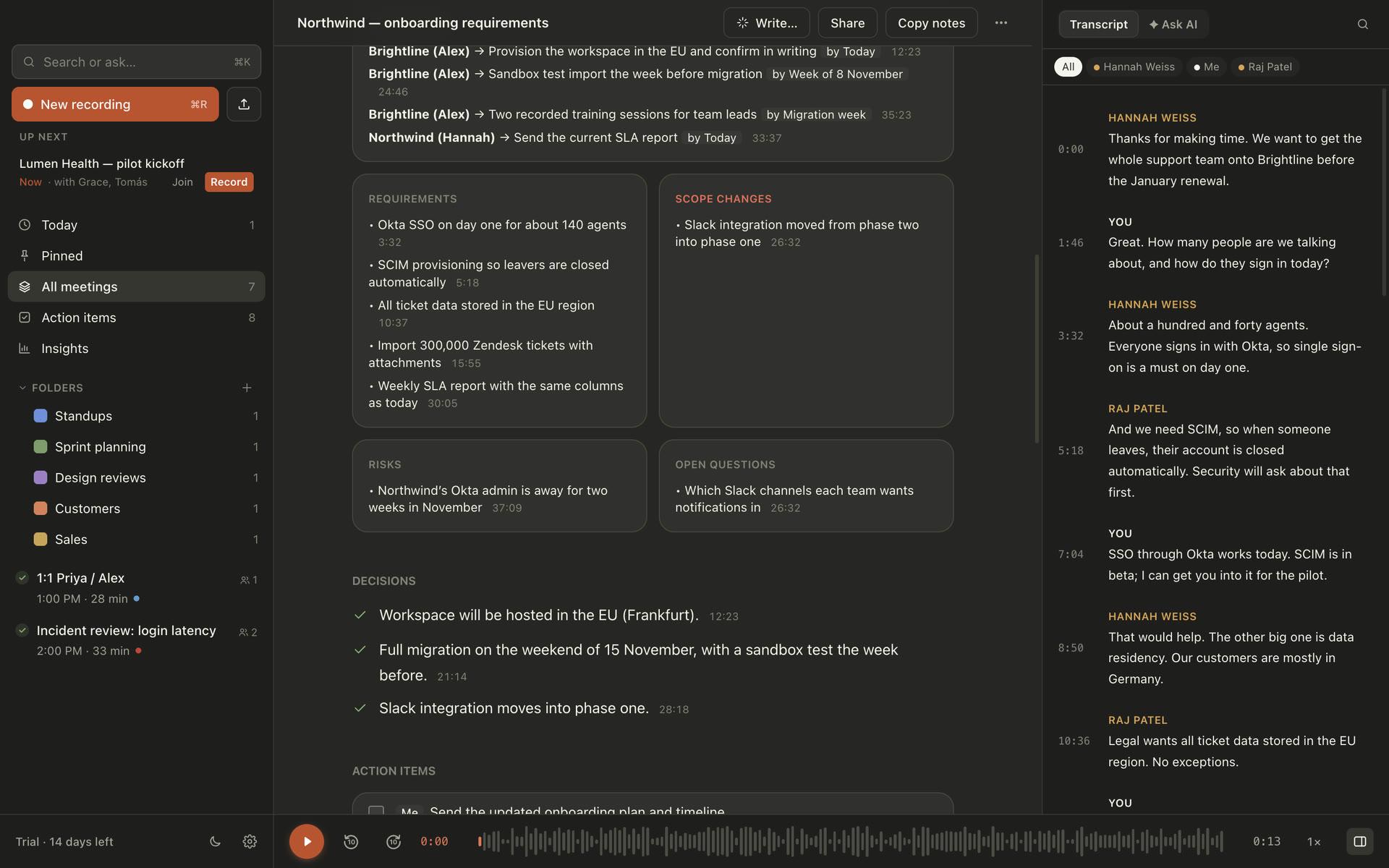
Every commitment, with who and by when.
Requirements, scope changes, commitments from both sides, risks and open questions, each linked to the moment it was said.
Questions
Can I keep clients’ meetings separate?+
Yes. Use a folder per client (or a subfolder under Clients). You can ask questions across just that folder, and post its meetings to their own Slack channel.
Does anything leave my Mac?+
Your meetings don’t, unless you choose it: a cloud notes engine (Gemini, Claude or OpenAI) gets transcript text only, and integrations send only what you share. The app also sends anonymous usage counts, which you can turn off.
Can I send the client a recap?+
Write… → Client status recap drafts one from the call; copy it or open it as an email.
Try it on your next meeting.
No account, no credit card. 14 days of everything, then free for 5 meetings a month.
macOS 15 or later · Apple silicon recommended